
A drawer full of abandoned planners does not make you undisciplined. Ordinary planners are built for brains that can hold a plan in mind and feel time passing. When those two things are unreliable, planners for executive functioning work differently: they carry the plan outside your head, make time visible, and forgive the days you vanish. Three stand out — Tiimo, the strongest visual schedule app; Panda Planner, the paper planner most people finish; and Goblin Tools, the free helper that turns an impossible task into a first step.
Why Ordinary Planners Get Abandoned
Executive functioning is your mind’s air-traffic control: holding details in working memory, starting tasks, judging how long things take, switching without dropping any. ADHD, anxiety, depression, autism, brain injury, and plain overload can all weaken it. ADDitude’s widely used executive function symptom test lists the familiar signs — losing the thread of multi-step directions, starting with enthusiasm and stalling, saying “I’ll do it later” and forgetting the thing existed.
A standard planner fights that brain. It is dated, so one bad week leaves blank pages that read like evidence. It hides the day behind a closed cover — out of sight, out of mind. And it assumes you can see “write report” and simply begin, which is exactly the step that breaks.
What to Look for in Planners for Executive Functioning
Whatever you choose needs most of these five things — and the more it lacks, the faster it joins the drawer.
- Undated or reusable pages. Pick it up in March after abandoning it in January — no gaps, no guilt, no paper judging you.
- Time you can see. Hour blocks, visual timelines, or timers — the day as a shape, not numbers your brain glosses over.
- A brain-dump lane. One obvious home for every thought the second it appears, so it stops circling while you work.
- Room for three priorities, not thirty. A daily view that forces a short list does the prioritizing your memory cannot.
- Friction near zero. If setup or upkeep takes effort, the system becomes one more task you avoid.
Digital adds one weapon paper lacks: it taps you on the shoulder. If remembering to look at the plan is the problem, a reminder is not a luxury — it is the point.
The 9 Picks: Apps First, Then Paper
1. Tiimo — Best Visual Schedule App
Tiimo turns your day into a scrolling ribbon of icons and color, each activity visibly draining as its timer runs. For a time-blind brain, that picture is the difference between a vague “later” and a deadline you can feel. It was designed with neurodivergent users, not retrofitted for them.
The tradeoff: a subscription, and an icon-led style that calms one brain reads as childish to another. It plans days beautifully; big projects live elsewhere.
2. Structured — The Cleanest Daily Timeline
Structured pours your day into one vertical timeline that reads top to bottom like a story, not a grid to decode. Adding an item takes seconds, and an inbox catches stray tasks before they evaporate.
The tradeoff: it is Apple-first, so Android users get less, and the free tier is a taster; the useful extras are paid. Team projects are beyond it.
3. Goblin Tools — Best When a Task Feels Impossible
Goblin Tools is not really a planner; it is the friend you message first. Its Magic ToDo breaks a task like “sort out the insurance claim” into small, physical steps you can actually start — and any step can be broken down further. It is free, with no account.
The tradeoff: it will not schedule your week, remind you of anything, or remember yesterday. Treat it as the ignition key, then park the steps in another tool here.
4. Todoist — Best Safety Net for a Slippery Memory
Todoist’s job is to make forgetting structurally difficult. Type “call the dentist every six months” in plain words and it builds the recurring task, then nags you on every device you own. Capture is fast enough that thoughts survive the trip from brain to list.
The tradeoff: it shows a list, not a day. People who cannot feel time may stare at twelve equally urgent tasks with no sequence; many pair it with a timeline app.
5. Sunsama — A Daily Ritual Built for Professionals
Sunsama opens with a short morning ceremony: pull tasks from your calendar and tools, pick what fits, lay it along the day. That ten-minute ritual is the product — it forces the planning step executive dysfunction skips. Evenings, it asks what actually happened — no scoreboard.
The tradeoff: a premium subscription aimed at knowledge workers. If your job is not calendar-shaped, it is overkill.
6. Panda Planner — Best Paper Planner for Daily Structure
Panda Planner’s daily page is a fixed routine: three priorities, a schedule column, notes space, and prompts for gratitude and review. The structure is printed, so your brain never has to invent it — and there is nothing to design or decorate.
The tradeoff: the classic edition covers a few months, so heavy users rebuy often — and paper cannot remind you of anything. Leave it open on the desk or it goes invisible.
7. Passion Planner — Best Paper Planner for Goals and Time Blocking
Passion Planner starts from the far end: a roadmap exercise turning a three-year wish into this week’s actions, then weekly layouts with an hourly column for time blocking. If your struggle is drifting for months, that ladder is the strongest here.
The tradeoff: it is big, structured, and dated, and its weekly reflection sessions are exactly what struggling starters skip — leaving an expensive notebook. Free printable PDFs on its site let you test the layout first.
8. Clever Fox — Best Undated Paper Planner
Clever Fox removes dated-planner guilt entirely: months and weeks stay blank until you write in them, so a lost fortnight costs nothing. Goal pages, habit trackers, and roomy weekly layouts are all in there, and the paper takes most pens.
The tradeoff: it tries to be a whole life system, and its many trackers can overwhelm the exact brains it courts. Permission to ignore most of it is the fix.
9. The Anti-Planner — Best for Days You Cannot Start at All
Dani Donovan’s Anti-Planner is a book of activities sorted by the feeling blocking you — overwhelmed, unmotivated, dreading a call. Flip to the feeling, do the small, sometimes funny exercise, and arrive at the task sideways. For task paralysis, nothing else here comes close.
The tradeoff: it holds no calendar and tracks nothing, so it cannot run your life. It pairs with a simple planner — exactly how its fans use it.
| Planner | Format | Best for | What makes it different | Pricing style |
|---|---|---|---|---|
| Tiimo | App (phone, tablet, web) | Time blindness | Icon timeline with visual timers | Subscription |
| Structured | App (Apple-first) | Seeing the whole day | One vertical timeline for tasks and events | Free tier; paid plan |
| Goblin Tools | Web and app | Task paralysis | Breaks tasks into tiny steps | Free |
| Todoist | App (all platforms) | Capturing and recurring tasks | Plain-language dates, reminders everywhere | Free tier; paid plan |
| Sunsama | App (desktop and mobile) | A guided daily plan | Morning planning ritual across your tools | Subscription |
| Panda Planner | Paper | A fixed daily routine | Three priorities plus review prompts daily | One-time purchase |
| Passion Planner | Paper | Long-term goals | Roadmap that ladders goals down to the week | One-time purchase |
| Clever Fox | Paper (undated) | Restarting without guilt | Date-free months and weeks | One-time purchase |
| The Anti-Planner | Paper (activity book) | Days you cannot start | Exercises sorted by the feeling blocking you | One-time purchase |
Paper or Digital: The Question to Settle Early
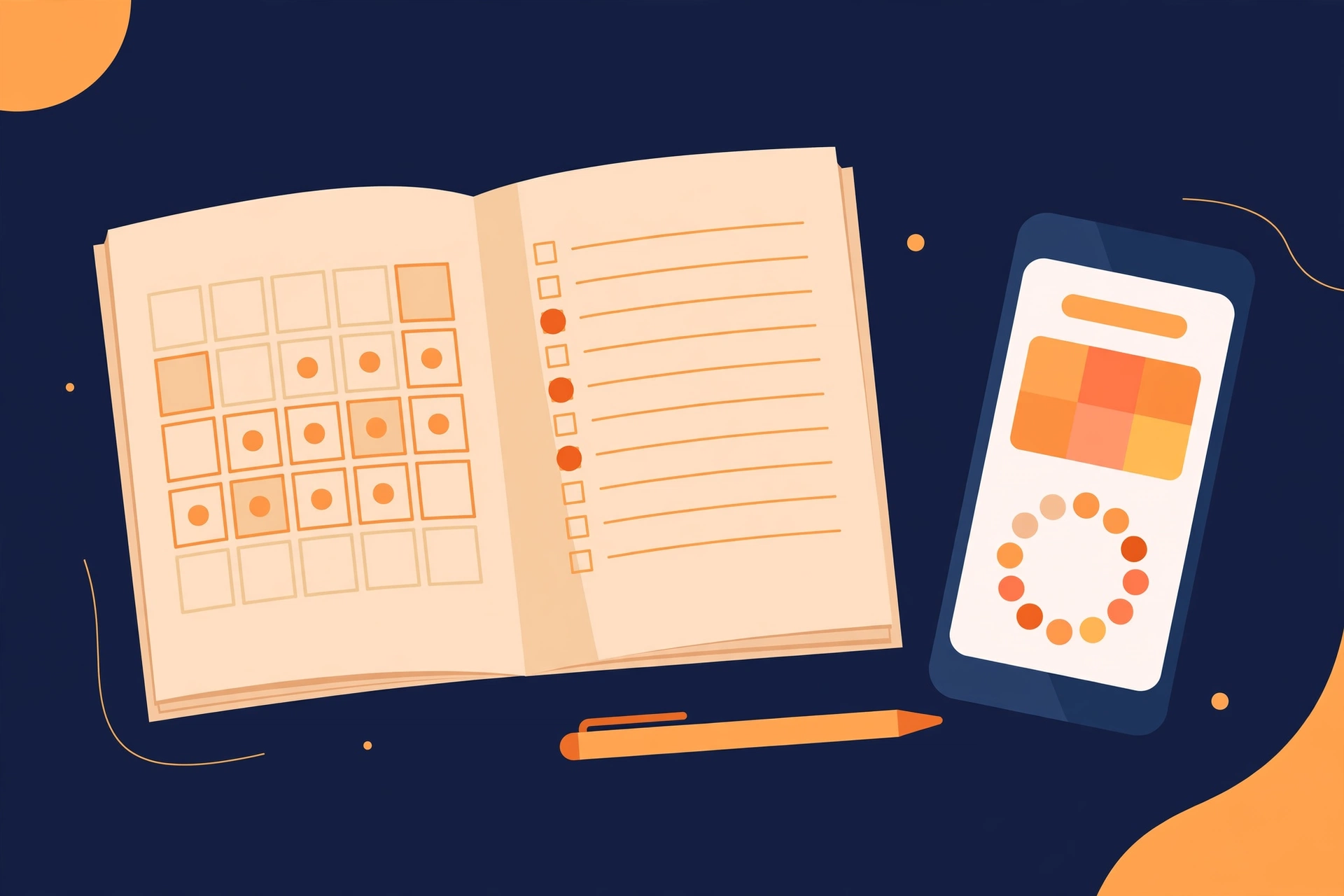
Nearly all planners for executive functioning sit on one side of this fence, and each side fixes a different failure. Paper is always visible, never dies, and handwriting slows you down just enough for the plan to sink in. It also cannot chase you — no paper planner has ever tapped anyone on the shoulder.
Apps live where your attention already is, reschedule without scribbling, and can shout at the exact minute it matters. Their weakness is the mirror image: the plan sits one swipe from a hundred louder distractions. Plenty of people keep both running — the app as the alarm clock, the paper page as the dashboard. Call it what it is: a deliberate pairing, not a failure to choose.
Who Should Pick What
Start from the problem, not the product. The fastest way to choose among planners for executive functioning is to name the moment your current system dies:
- You cannot feel time passing → Tiimo or Structured; the day becomes a picture with a shrinking timer.
- Tasks feel like solid walls → Goblin Tools first; once a task has steps, any planner can hold it.
- Things evaporate from memory → Todoist, reminders turned up louder than feels polite.
- Workdays start in chaos → Sunsama’s morning ritual, if your job runs on a calendar.
- You want paper and routine → Panda for daily structure; Passion Planner if drift is the problem.
- You keep quitting dated planners → Clever Fox, and forgive the empty trackers.
- You cannot start, full stop → The Anti-Planner, open beside your simplest planner.
FAQs
Do planners actually help executive functioning?
They help with the load, not the condition. Used well, planners for executive functioning hold the plan outside your head, so working memory is free for the work itself — researchers call this externalizing, one of the most recommended strategies for executive-function struggles. A planner is an accommodation, not a cure, and works best alongside sleep, treatment, or coaching.
Which app is best for time blindness?
Tiimo: it draws time instead of numbering it — colored blocks on a timeline with a live timer, so “twenty minutes left” is something you watch shrinking. Structured is the calmer alternative.
Are undated planners really better for ADHD?
For most serial planner-abandoners, yes. Dated pages turn a bad week into physical evidence and a reason to buy a fresh start. Undated pages — or an app, which never shows a gap — make restarting cost nothing, and easy restarts matter more than any layout.
How do I stop abandoning every planner after two weeks?
Cut the ritual down until even a bad day cannot break it: three priorities, one look in the morning and one at night, tied to something fixed like breakfast. Keep the planner where that moment happens, not where it looks tidy. Treat a missed week as weather, not a verdict — the habit is returning, not the streak.
Are there good free options?
Yes. Goblin Tools is entirely free, and Todoist and Structured have usable free tiers. A notebook plus your phone’s reminders beats an expensive system you are afraid to open.
Can a planner replace a coach or treatment?
No — be suspicious of any product page that hints otherwise. If these problems are costing you jobs, grades, or peace of mind, that conversation belongs with a clinician or coach — bring the planner as the tool that carries their strategies into Tuesday afternoon.
The Bottom Line
There is no single best planner here, only a best match. Pick the one that answers your loudest problem, give it two honest weeks at the tiniest ritual, and let one missed day be just a missed day. A planner you keep coming back to will always beat the flawless one you only admire.
Keep exploring: more useful app guides like this one live in our Apps section.